
Activity Log
We let you share your ideas with trusted friends and colleagues
Working in isolation is fine for some writer's, but getting feedback on an idea, whether in its initial stages or when you feel ready to write the screenplay, can be essential to separate your great ideas from those that might not be there yet. Script 360 allows you to share your ideas with others and let them comment on them and let you know what they really think.
To share an idea...
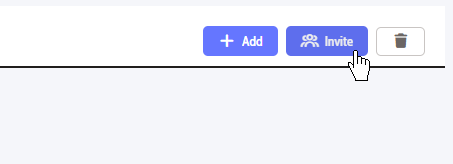
At the top right of every one of your ideas, you will see an Invite button:
Clicking on that button brings up a popup box where you let us know who you want to invite:
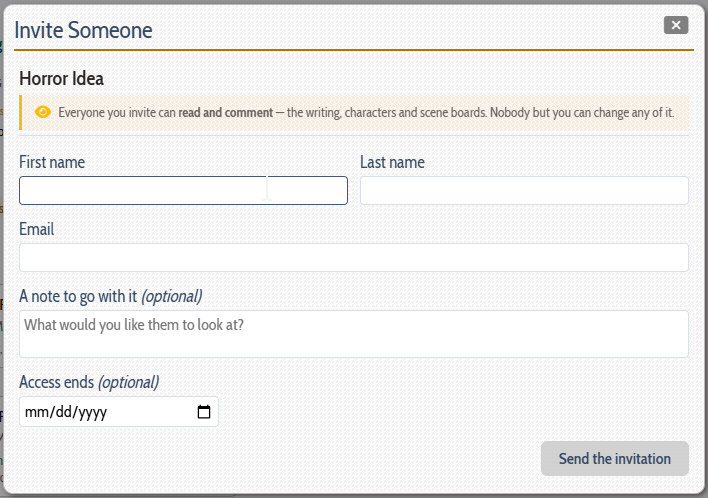
Enter the invitee's name, email address, an optional message (so they know what you expect from them!) and an optional expiration date when the invite should expire, then click the Sent Invittation button to get the process started.
What will happen then is that we send them an invitation via email that contains a button to Accept or Decline your invitation. Be patient, it can take folks some timeto read and respond to emails these days.
If accepted, what can they do?
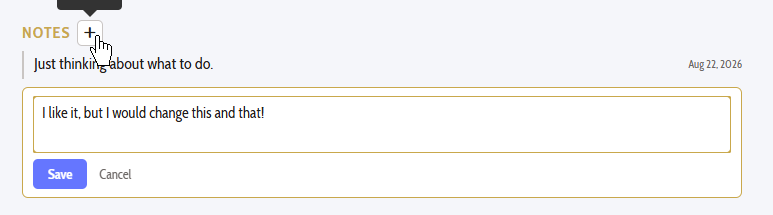
All idea invites allow the invited person to do two things: Add alternate loglines (which you can keep or discard) as well as to add notes to the idea, hopefully giving their view of what they think about it:
Loading content...
Loading screenplays…
Loading members…
Loading coverage…
Loading posts…
Education
Articles on the craft and business of screenwriting, from Script 360 and writers who know the work.
Loading articles…
Attachments/Media
The tabs in this section are currently hidden. Click on any of the tab titles above to open one.
| Title | Size | Uploaded | Actions |
|---|
No Attachments
No Images
No Videos
No Audio Files
Series / World
For a TV series, or a film and its sequels: keep the characters and locations that recur here, and every script you add to the folder can bring them in.
The tabs in this section are currently hidden. Click on any of the tab titles above to open one.
Scripts
Attachments/Media
The tabs in this section are currently hidden. Click on any of the tab titles above to open one.
| Title | Size | Uploaded | Actions |
|---|
No Attachments
No Images
No Videos
No Audio Files